Poor architectural drafting costs money. Unclear floor plans lead to construction delays, budget overruns, and safety issues on job sites.
We at Home Owners Association know that architectural drafting tips make the difference between plans that work and plans that create problems. This guide covers the fundamentals, advanced techniques, and common pitfalls you need to avoid.
Getting Scale, Lines, and Symbols Right
Scale errors waste time and money on job sites. The International Building Code requires that architectural drawings maintain consistent scale notation, yet surveys of construction professionals show that scale mismatches account for roughly 30% of field discrepancies that delay projects. When you draft at 1:50 scale for a floor plan, every measurement must reflect that ratio without exception.

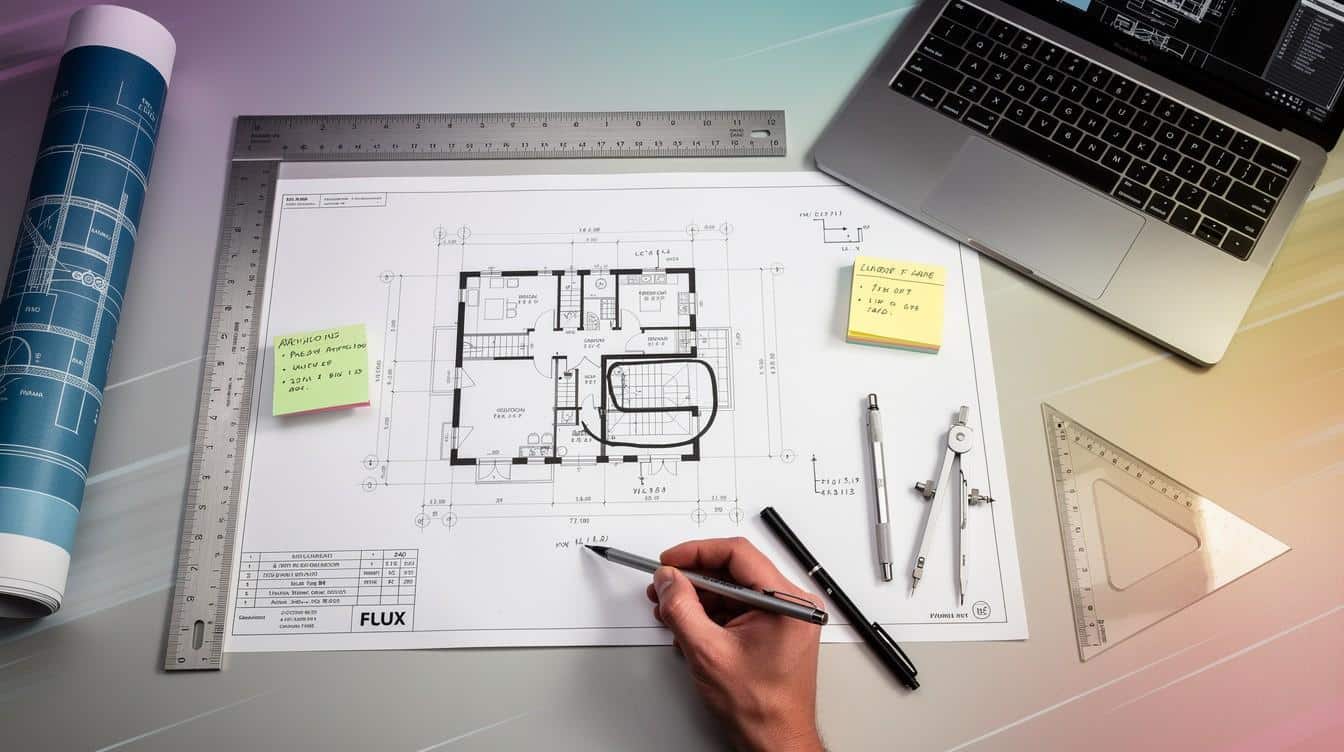
An architectural scale ruler saves time-these tools have multiple scales printed on them, making it faster to measure and verify proportions as you work. Grid-based drawing at consistent scales builds accuracy quickly; practice drawing the same room at both 1:100 and 1:50 to develop a feel for how scale affects readability and detail visibility. Switching between scales on the same project introduces errors that contractors struggle to resolve, so establish your primary scale upfront and stick to it throughout the drawing set.
Line weight tells the story of your plan
Line weight hierarchy separates what matters from what supports it. Exterior walls should be your heaviest lines, interior partitions medium weight, and construction or reference lines the lightest. This visual distinction helps contractors immediately understand the plan’s priority elements without reading annotations. A single line weight makes plans confusing and slows interpretation on site. A two-pen system works well for hand sketching-use a heavier pen like a Sharpie Fine for profile lines and a thinner pen for details, which creates immediate depth and clarity. When you digitise these sketches in CAD, maintain the same hierarchy by assigning line weights to layers; exterior walls at 0.7mm, partitions at 0.5mm, and details at 0.25mm. Consistency across your drawing set means contractors see the same visual language on every sheet, reducing misinterpretation.
Symbols and annotations eliminate guesswork
Standard door and window symbols appear in architectural graphics references and form the baseline that most construction teams expect. Doors must show swing direction clearly; windows must indicate whether they’re fixed or operable. Create a symbol library early in your project and reuse it on every plan-this saves drafting time and prevents the confusion that arises when the same element looks different across sheets. Dimension placement matters as much as accuracy; place overall dimensions outside the building outline with clean extension lines, and keep interior dimensions aligned and grouped logically. Annotation callouts should reference a legend on every sheet, so contractors don’t waste time guessing what a symbol or abbreviation means. Inconsistent symbols and unclear callouts force contractors to call the site supervisor for clarification, which delays work and increases costs.
These three fundamentals-scale consistency, line weight hierarchy, and standard symbols-form the foundation that contractors rely on to interpret your vision accurately. Advanced techniques build on this foundation, transforming basic plans into detailed construction documents that guide every phase of the build.
Building Plans That Contractors Can Actually Build From
Dimensions That Prevent Field Problems
Floor plans demand absolute precision in dimensions, and the placement of those dimensions matters as much as their accuracy. Contractors measure from your dimensions, not from the scale ruler, so a single missed measurement cascades into field problems that cost time and money. Place overall dimensions outside the building outline using clean extension lines, and group interior dimensions logically by zone rather than scattering them across the plan. Dimensioning errors account for significant rework on site; clarity prevents contractors from having to call the site supervisor to interpret ambiguous measurements. Cross-reference your floor plan dimensions against your sections and elevations immediately after drafting-height alignments and wall relationships must match perfectly across all views, or you create conflicts that only appear during construction.
Organising Dimensions for Clarity
Use CAD layers organised by function (Structure, Envelope, Interiors, MEP) so you can isolate and verify each system’s dimensions without visual clutter. When you hand off plans to contractors, include a dimension schedule that lists every critical measurement in tabular form; this redundancy catches errors before anyone orders materials or sets out walls. A dimension schedule transforms scattered numbers into a single reference that contractors trust and use consistently throughout the project.

Sections and Elevations Tell the Vertical Story
Sections and elevations reveal what floor plans cannot-the vertical story of your design and how materials transition from one surface to another. Draw sections at locations that expose critical height relationships, material changes, and mechanical integration; a section through a stairwell, for example, shows headroom clearance, landing heights, and structural support all at once, preventing dangerous field modifications. Material specifications belong directly on elevations and sections, not buried in separate spec sheets that contractors may never read.
Embedding Materials and Specifications Where They Matter
Note finishes, thicknesses, and attachment methods right where the contractor needs them; specify that exterior cladding is 150mm brick over 100mm cavity with weep holes at 900mm centres, rather than assuming the contractor will decode a reference to a general specification. Coordinate sections with structural and MEP notes early in your drafting workflow; embed compliance checks into your process by cross-checking corridor widths, door clearances, and manoeuvring space against building codes as you draft, not after. Building Information Modelling workflows improve this coordination dramatically-every element carries data, and automated clash detection identifies conflicts between architectural, structural, and mechanical systems before anyone breaks ground, saving thousands in rework costs. This level of coordination transforms your drawings from static documents into intelligent systems that catch problems before they reach the job site.
Common Mistakes That Halt Projects Before Construction Starts
Scale Mismatches Destroy Contractor Confidence
Scale mismatches and dimensional errors destroy contractor confidence in your drawings. A single inconsistent dimension forces contractors to stop work and call the site supervisor for clarification, which costs money and delays schedules. The problem intensifies across multi-sheet drawing sets when scale notation changes or dimensions conflict between floor plans and sections. Establish your primary scale at the project start and lock it across every sheet-never switch scales mid-project without explicit notation. When you draft at 1:50, maintain that scale consistently; when you need detail at 1:20, create a separate detail sheet with clear references back to the main plan.

Scale consistency across drawing sheets requires maintaining consistent dimension styles with proper extension lines and units, always dimensioning from known reference points like grids or walls. Use CAD layers to isolate dimension sets by zone, then cross-check each zone’s overall dimensions against interior dimensions to catch arithmetic errors before printing. A dimension schedule in tabular form catches mistakes that scatter across plans; list every critical measurement once in a table so contractors verify dimensions against a single source rather than hunting across multiple sheets. Dimensioning errors account for rework costs that often exceed the original drafting fee, making this step non-negotiable.
Annotations and Symbols That Confuse Rather Than Clarify
Unclear annotations and missing building code compliance create legal and safety problems that haunt projects for years. Contractors cannot interpret vague callouts or inconsistent symbol usage without stopping work to seek clarification. Create a standardised legend on every sheet that defines every symbol, abbreviation, and notation used; this single step eliminates confusion and prevents contractors from guessing what a symbol means.
Material specifications must appear directly on sections and elevations where the contractor needs them, not buried in separate specification documents that may never reach the job site. Specify that exterior walls require cavity closure at 900mm centres or that floor-to-floor heights must maintain 2.7m minimum clearance for mechanical systems integration.
Building Code Violations That Delay Permits
Building codes like the International Building Code mandate specific corridor widths, door clearances, and manoeuvring spaces, yet many drafters overlook these requirements until permit review delays the project. Embed code compliance checks into your drafting workflow from day one-verify corridor widths, egress routes, and accessibility clearances as you draw, not after. When you discover a code violation late in design, fixing it costs far more than catching it during drafting.
Building code compliance checks during architectural drafting ensure corridors meet minimum requirements per IBC 2024. The minimum clear width is 44 inches (1,118 mm) for corridors serving an occupant load greater than 10. BIM workflows automate many compliance checks; parametric models flag violations instantly when you modify dimensions, preventing code conflicts before anyone submits for permits. This proactive approach saves thousands in permit delays and design revisions.
Final Thoughts
Precision in architectural drafting separates projects that run smoothly from those that spiral into delays and cost overruns. The architectural drafting tips covered in this guide-consistent scaling, clear line weight hierarchy, standard symbols, accurate dimensioning, and embedded code compliance-form a system that contractors depend on to build safely and efficiently. When you apply these practices, you eliminate the confusion that forces site supervisors to stop work and seek clarification, and you catch conflicts before construction begins rather than discovering them mid-build.
Building Information Modelling and CAD workflows have made compliance checking faster and more reliable, but the fundamentals remain unchanged: your drawings must communicate clearly, dimensions must be accurate, and every sheet must follow the same visual language. A dimension schedule, a standardised symbol legend, and cross-referenced sections and elevations transform scattered information into a coherent set of construction documents that contractors trust. The cost of poor drafting appears on job sites as delays, rework, and safety risks, while the cost of good drafting appears as projects that finish on time and within budget.
Homeowners and property managers need guidance they can rely on when planning renovations or new construction. Contact Home Owners Association to access trade pricing, discounts on materials, and personalised guidance from professionals who understand your local market and can help your next project succeed with plans that actually work.
Discuss your project in Melbourne
Planning a home renovation or extension in Melbourne? Contact Dwelling on Design to discuss building design, drafting and the documentation needed for your project.